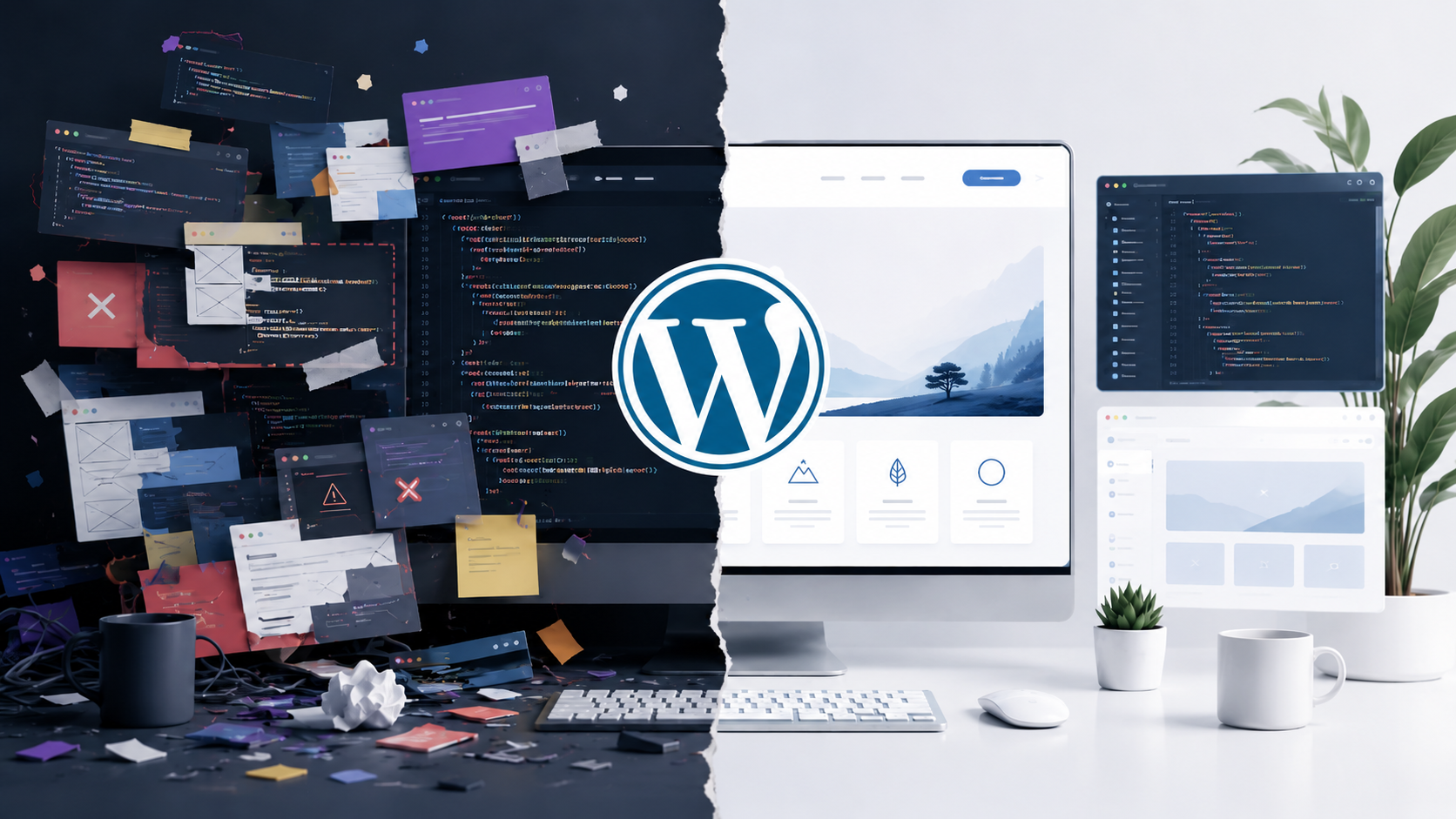
I want to be upfront about something before I get into this. I was never really a “WordPress Developer”.
My work has always been building websites and web apps from the ground up, bespoke, built around what a specific client actually needs. WordPress theme development was something I did on request, not something I built my practice around.
I Was Never a WordPress-First Developer
Clients ask for WordPress a lot, so I built custom WordPress themes when the project called for it. That gave me a fair amount of hands-on time with it, spread across different projects rather than one long stretch inside the ecosystem.
From the very first custom theme I built, the development experience never sat right with me. There was no single right way to structure a project. Asset handling felt improvised project to project. Setting up a clean build process took more effort than it should have for something this widely used.
Where It Started to Break Down for Me
As a developer coming from building things from scratch, I expect a predictable workflow. Write code, bundle it properly, know exactly what ships to the browser and why.
With custom WordPress theme work, that predictability was rarely there. Every project ended up with its own patchwork of conventions depending on which plugins were involved, which page builder legacy the client had, and how the previous developer had structured things.
That is the closest way I can put it. Classic WordPress theme development always felt like eating with a hand around my neck. You get the job done and the site ships, but you are never actually at ease while you are doing it.
Then there is the layer you inherit but did not choose. Plugin bloat, unnecessary queries, legacy code paths that exist because something, somewhere, might still depend on them. As a developer, you spend real time managing that weight instead of building the thing the client actually asked for.
Gutenberg Was Supposed to Change That
When Gutenberg arrived, I genuinely expected it to close this gap. A proper block-based editor felt like the moment WordPress would give developers a real, unified way to build and manage a project end to end, not just a side tool bolted onto the workflow, but something built into the core experience.
That has not been my experience. Year over year, WordPress has kept optimizing for the DIY site owner, the person dragging blocks into place without touching code. That is a reasonable business decision for them.
But it has left the developer experience feeling like an afterthought. Custom block development still involves more moving parts than it should, and the output still tends to carry more markup than a hand-built component would.
I do not know if agencies running dedicated WordPress teams have solved this at scale with their own internal tooling. From where I sit, building bespoke sites project by project, the friction was consistent enough that it stopped feeling worth carrying.
This Is Not Haterade, It Is a Call to Use My Time Better
None of this means I think WordPress is bad. WordPress is a great CMS. It is not a framework, and it was never trying to be one. It powers a huge share of the web and works well for a huge number of people, especially those who want to manage their own content without touching code.
What changed is where I choose to spend my development hours. Between the lack of a consistent build process, the maintenance overhead, and the general bloat that comes with a plugin-heavy custom build, custom WordPress theme development stopped being a good use of my time as a developer who already builds everything else from scratch.
Where WordPress Still Fits in My Work
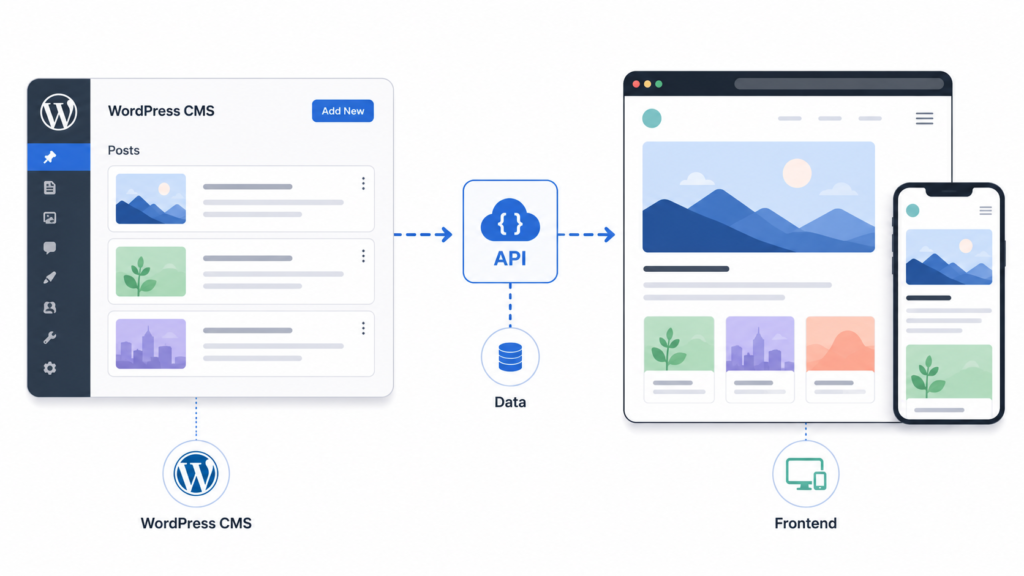
I have not walked away from WordPress entirely. I still use it, just differently. For client blogs and news-style content, I now work with Headless WordPress, using it purely as a content API behind a frontend I build and control myself.
That setup gives me what I was missing from custom theme development. A clean, predictable build process on my side, full control over performance and output, and WordPress doing what it is genuinely good at, giving non-technical clients a familiar place to manage their content.
That is the version of WordPress that works for how I build. The rest of the site stays mine to build the way I know is right for the client.
If you are weighing whether a custom WordPress build or a headless setup makes more sense for your project, I am happy to walk through it with you. You can book time at kumardeepak.com/schedule-your-consultation.