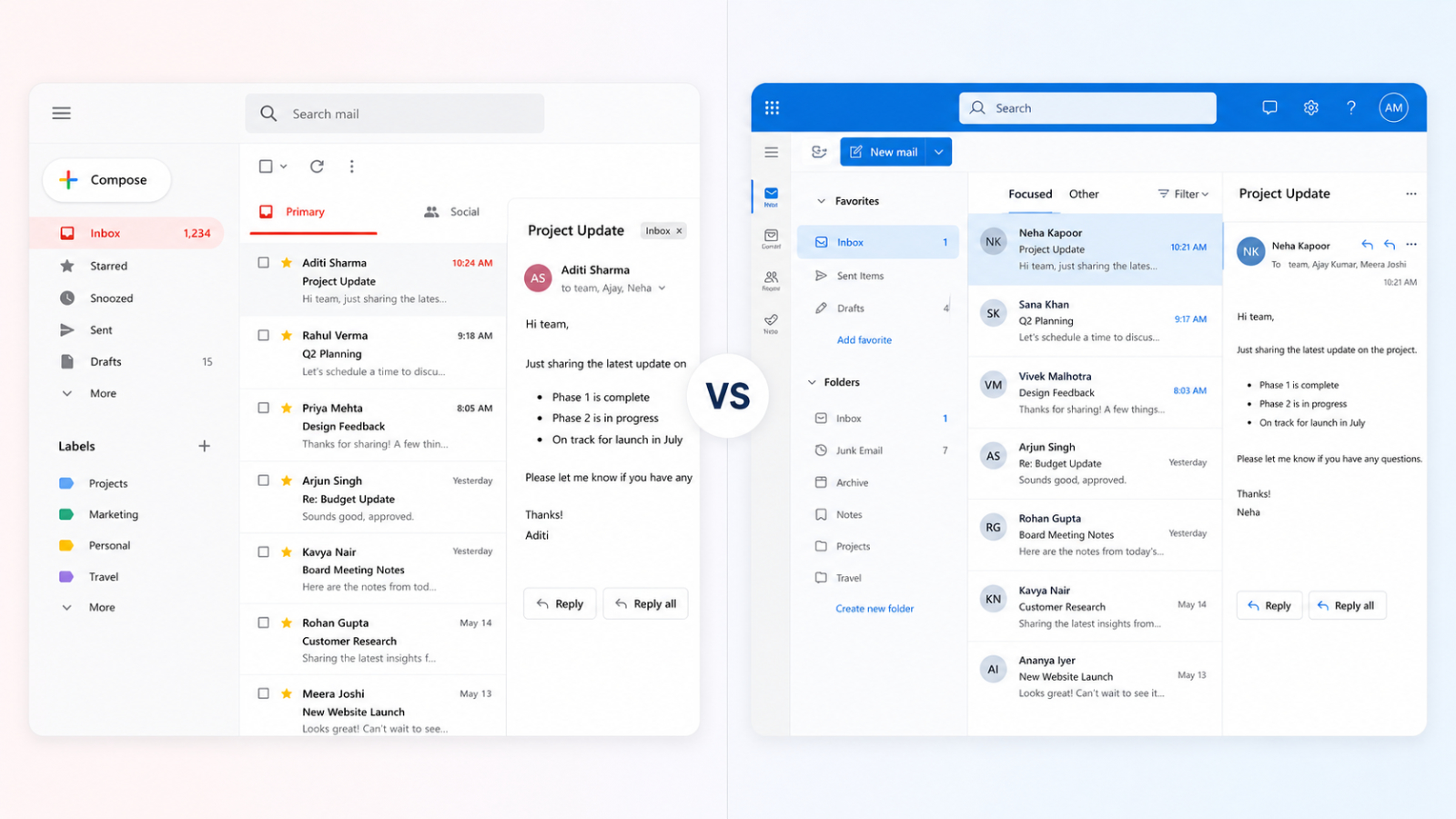
I have been living inside Google Workspace since early 2020. So when recently Google folded Gemini into every plan and pushed prices up, including for AI features I never touch in Gmail, I started paying more for things I do not use. That nudged me to do something I had not done in years: actually test Microsoft 365 for my business email and see if I should move. This is what happened, what I verified, and where each one genuinely makes sense.
Why I Even Considered Switching
The trigger was simple. Google has bundled Gemini into Workspace across the board and raised prices to match. Even if you disable the AI features in your admin console, you still pay the higher rate. For someone like me who does not lean on AI inside Gmail or Docs, that felt like paying rent on a room I never enter.
So I went back to Microsoft, which is not a random choice. Before I moved to Google in 2020, I ran my business email on Microsoft, though back then I had bought it through GoDaddy rather than directly. I already knew roughly how it looked and felt, so this was less of a leap into the unknown.
Google Does Have an AI-Free Option, With a Catch
To be fair to Google, there is a way around paying for AI you do not want. Google offers a Base plan at around ₹99/user/month that does not include AI features at all (or as Google says “Basic”). If you only want clean business email without Gemini in the mix, that plan exists.
The catch is timing. You either opt into it at the start, or you wait until your current subscription contract runs out. On an annual plan you cannot just downgrade mid-term. As Google puts it, “You can reduce licences or switch to a flexible plan by changing your plan renewal preferences, which will apply automatically when your contract ends.” So the cheaper, AI-free route is real, but it is gated by your renewal date rather than available on demand.
What the Numbers Actually Looked Like
I checked the 3 things that matter before any migration: credibility, trust, and price in 2026.
Microsoft came out clearly cheaper. The Microsoft 365 Business Basic (no Teams) plan sits at roughly ₹125 per mailbox per month including GST, and it still gives you the full professional email setup plus 1TB of OneDrive storage. For a solo operator watching costs, that is a strong offer. The trust and deliverability you expect from a proper business mailbox were all there.
Google Workspace, by comparison, lands in a similar starting band per user, but the recent increases and the Gemini bundling are what changed the math for me. The gap was real enough to act on.
I Made the Switch, and the Setup Was Real Work
Once the research gave me confidence, I bought the Microsoft 365 business email subscription and got into the technical side. This was not a five-minute job. Wiring up the DNS, SPF, DKIM, and DMARC records, plus all the smaller details that make a professional mailbox legitimate in the wild, took me almost 7-8 hours to do properly.
The experience itself was familiar. Not much had changed in the seven or eight years since I last used it. A few design refreshes here and there, but the admin panel still carries that flat, Windows 8 era look I remembered. That is not a complaint, just an observation. The point is everything worked and my email was up and running on Microsoft.
Then I Switched Back to Google After a Day 🫣
Here is the honest part. I had to switch back to Google after a single day.
It was not because of Google Docs, Sheets, Meet, or Chat. Microsoft gives you fair replacements for all of those, so that was never the issue. The thing that pushed me back was the login ecosystem.
I am deeply hooked into “Sign in with Google” across the web. To be clear, I do not lean on social sign-in for everything. I use a password manager, create proper email and password profiles, and layer on 2FA and passkeys. But “Sign in with Google” has quietly become the golden standard for consumer logins, and Microsoft 365 business accounts are nowhere near that level of acceptance right now.
There is a real structural reason behind this. Microsoft keeps personal accounts and work or school accounts as two completely separate identity systems, with no sync between them. A personal Outlook account and a Microsoft 365 business account behave like different worlds. So while you can sign in with Outlook in many places, that flow is built around personal Microsoft accounts, and a business mailbox does not slot into those consumer “sign in with” experiences the same way. That single gap annoyed me enough that paying a bit extra to Google, Gemini and all, suddenly felt worth it again.
The Admin Panel Gap is Bigger Than You Think
I have to admit, there is another point that matters just as much as the login issue, and that is managing the thing when you do need to. The Google Workspace admin console is simple. Most tasks are a few clicks away, sitting where you would expect them to be. You can hand it to someone non-technical and they can find their way around without a panic.
Microsoft is the opposite. The admin experience is split across so many places that a simple task turns into a maze. You start in the Microsoft 365 admin center, then a link throws you into Exchange, another sends you to Entra, then Azure, then Identity, and before you have finished one thing you are three portals deep and unsure where you even are. For a regular user just trying to do something basic, it feels like a puzzle they never asked to solve.
So if peace of mind in managing your team and your mailboxes matters to you, Google Workspace shines here too.
So Which One Should You Pick
My take is simple, and it comes down to how far beyond pure business you plan to stretch the email.
If you want a business email for the longest term possible and you intend to hook it into everything, banks, subscriptions, personal accounts, and official work, the way I do, go with Google Workspace. I run my entire digital life on my professional email and no longer keep a free account at all. For that kind of use, Google gives you peace of mind right across the login system, and that is worth real money.
If instead you want a business email strictly for business, for sending and receiving mail and a bit of document sharing, and you will not be using it as your identity across the wider web, then Microsoft 365 is a perfectly great and better choice.
Both are credible. Both are trustworthy. The deciding factor is not features on a comparison chart, it is the ecosystem you actually live in day to day.
If you are weighing this decision for your own setup and want a second opinion before you migrate, you can book a consultation and we will work out which one fits how you actually work.